When you click on links to various merchants on this site and make a purchase, this can result in this site earning a commission. Affiliate programs and affiliations include, but are not limited to, the eBay Partner Network.
Moving this from an annoucement to a stickied thread.
Originally posted by IB staff, not me.
Big news, everyone!
We've rolled out a new photo uploader that makes adding images to threads and posts much, much easier.
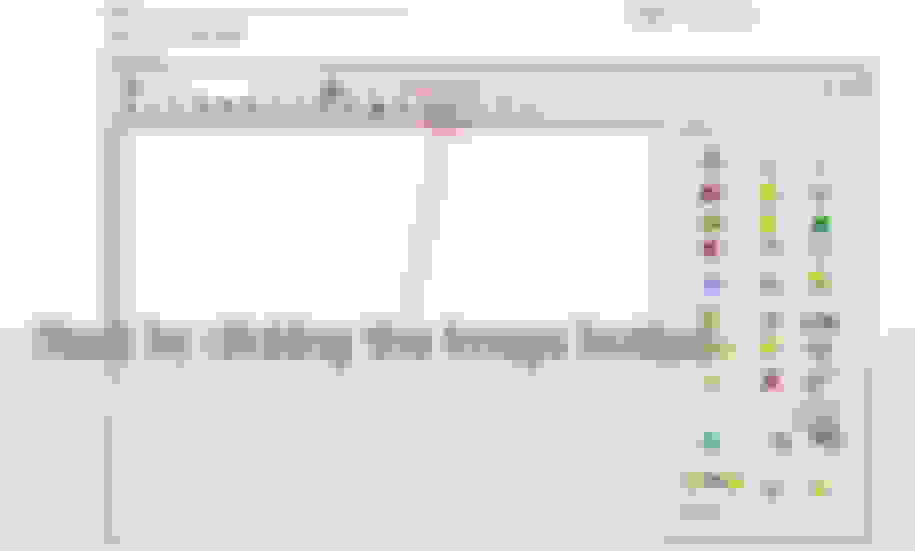
1. Start at the same place, by clicking the "Add Image" button in the editor.
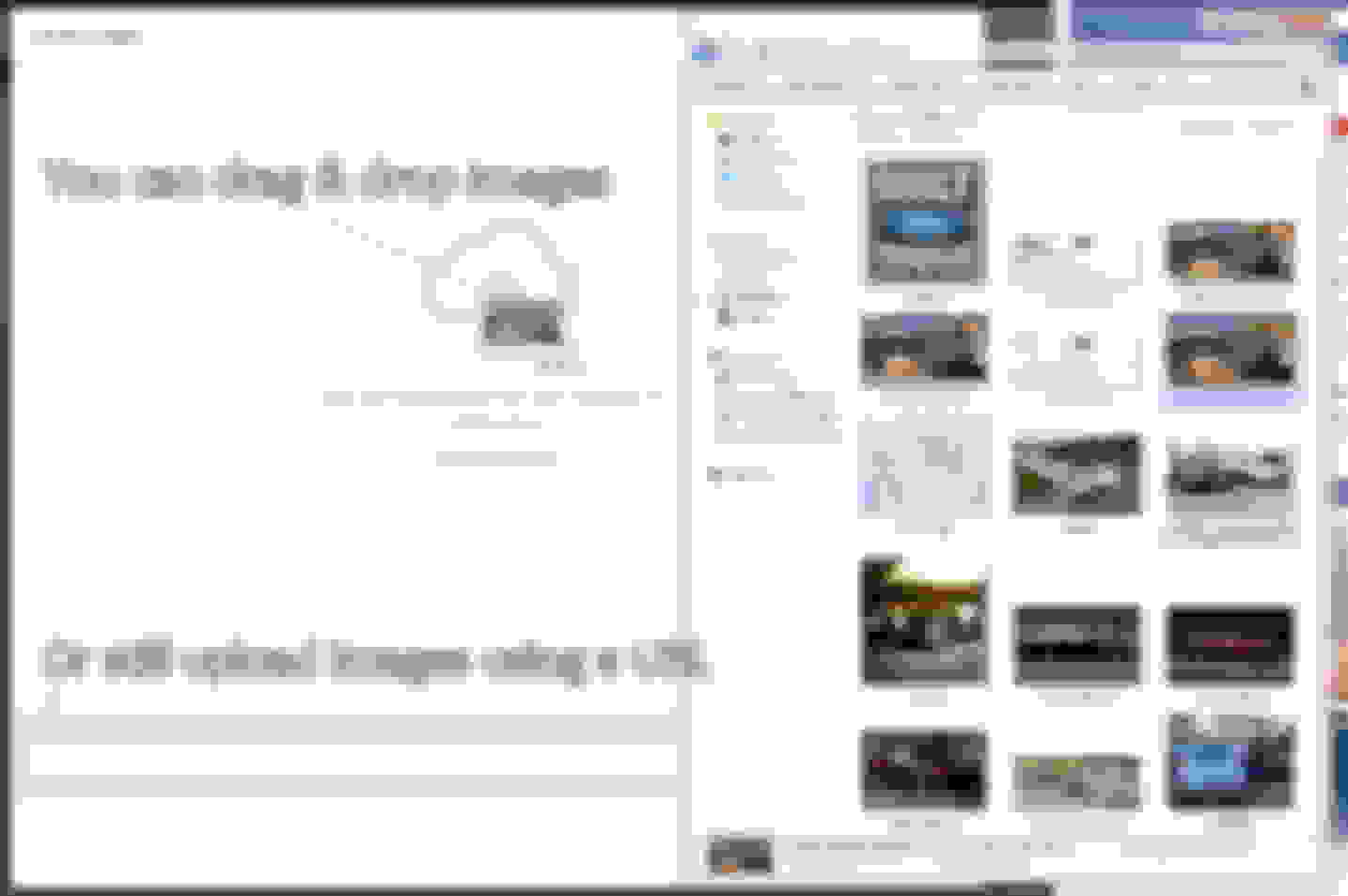
2. You can drag & drop from a folder, open and browse to choose images, or just as always--add a URL.
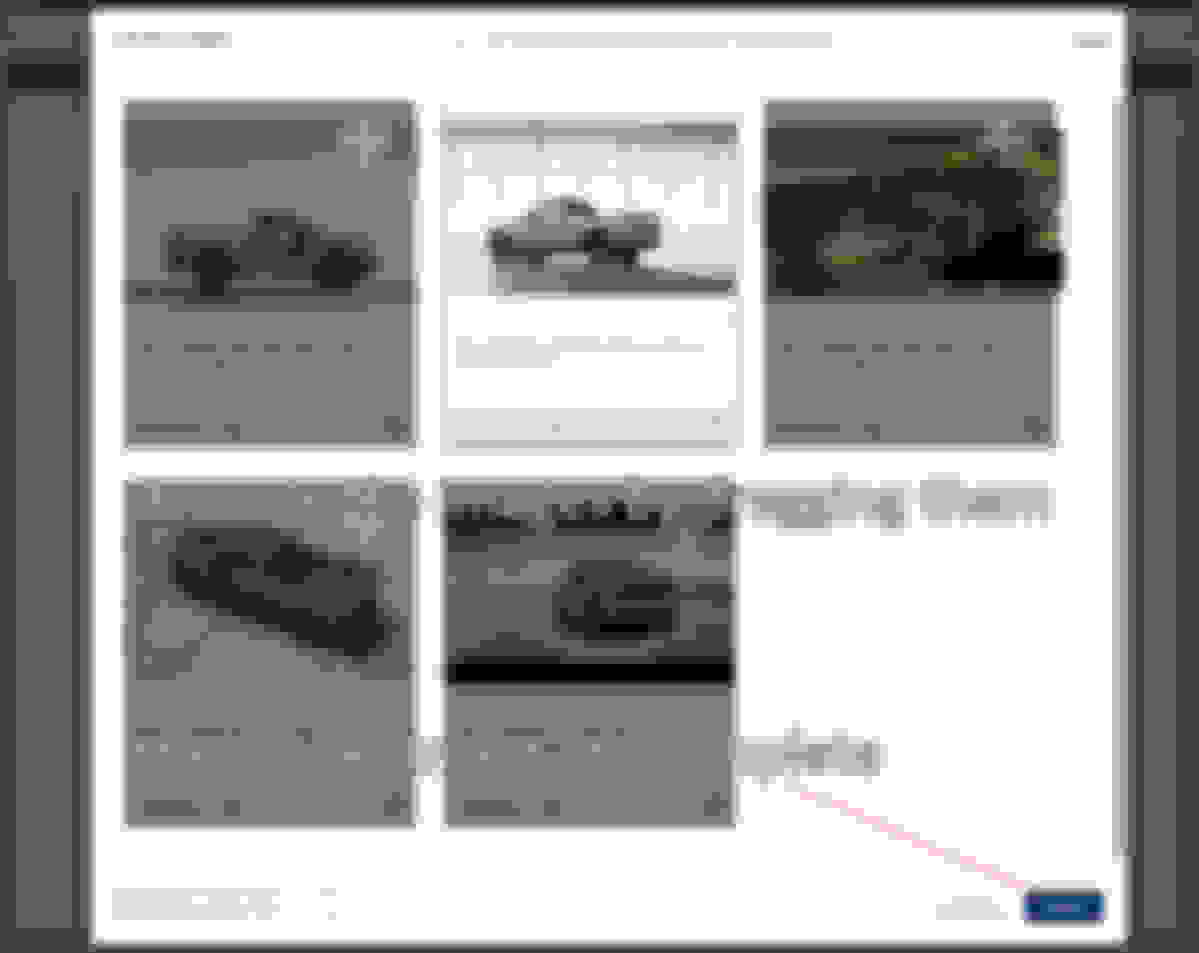
3. The images will then upload to your album in the gallery, from which you can pull these images in the future for other threads.
In the upper right-hand corner, clicking "Reorder Images" will allow you to move your images around into the order you would like displayed in the thread.
Now we have images in the thread!
PART II: Adding existing images
Open the Add Images as usual, and click on "Add from Albums"
Scroll through the bottom and click on the images to add them
Choose your images, and click insert to add them into your post!