


Detailed my BB RX8 and added fog lights


Thread Starter
Registered User
Joined: Feb 2007
Posts: 18
Likes: 0
Detailed my BB RX8 and added fog lights
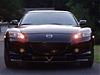
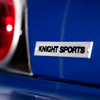
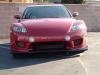
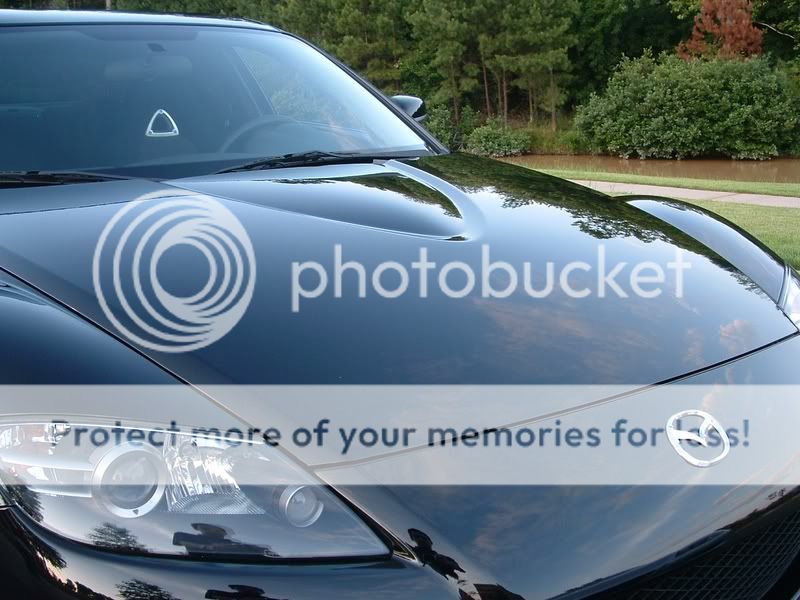
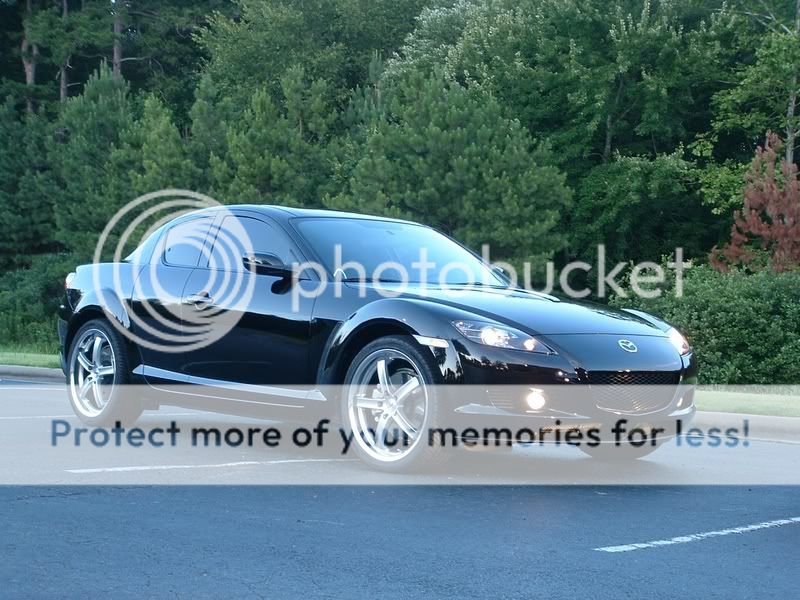
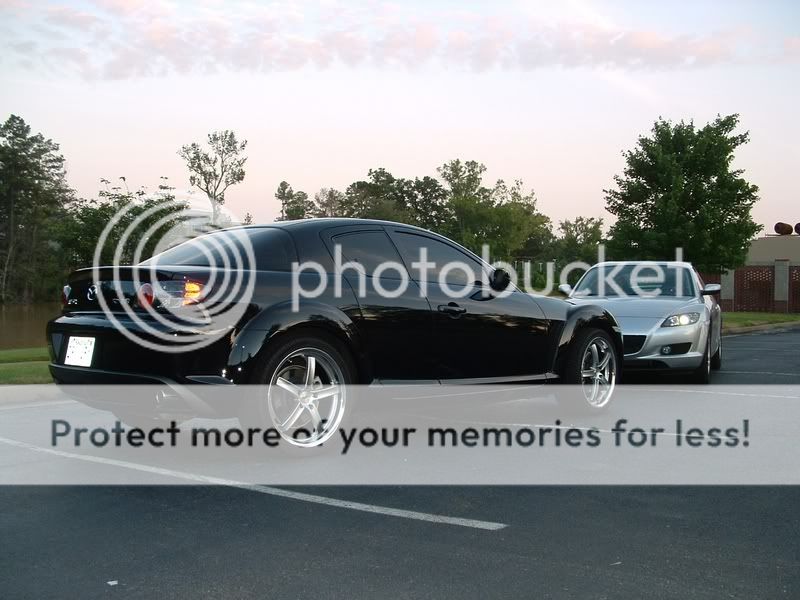
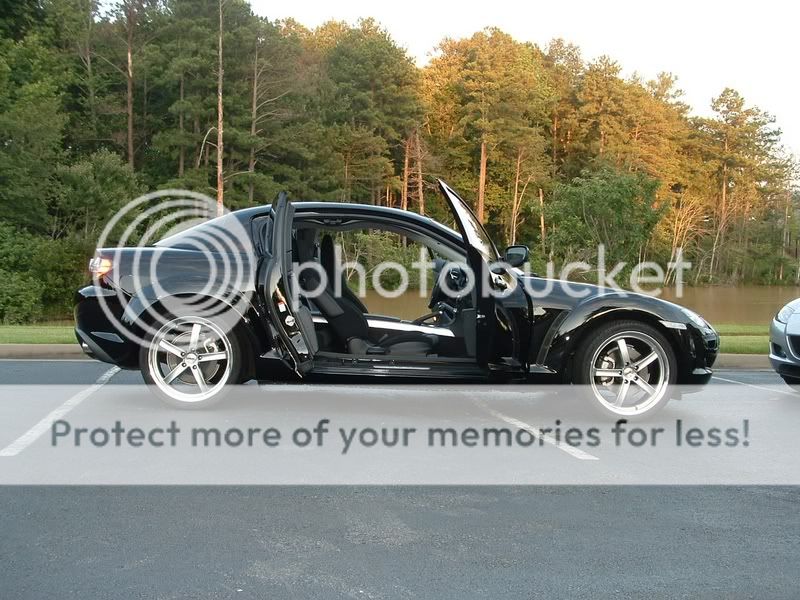
I recently added some factory fog lights to my car and decided to detail it and get some new photos of it. It was a beautiful day and I think the photos came out pretty decent. My car didn't come with fog lights, but everything was there to hook them up; I didn't even have to take off the front bumper to install them.
Anyway, here are the photos:


Anyway, here are the photos:
Last edited by Brilliant_06; Jul 8, 2007 at 06:28 PM.



Thread Starter
Registered User
Joined: Feb 2007
Posts: 18
Likes: 0



Registered
Joined: Sep 2003
Posts: 3,319
Likes: 58
From: NYC
Wow looks great!
A little tip for photographing black (or very dark colored) cars: when something black fills the frame—like in your first two shots—don't use the exposure that the camera sets; it'll "wash out" the blacks so that they come out dark grey in the photo.
Instead, adjust your exposure so that it underexposes a couple of stops. (Even auto-everything cameras let you change the exposure. It's where you see a "scale" that looks something like this:
+ • • • o • • • —
To underexpose the picture, manually adjust the exposure so that it's towards the negative end of the scale.
(The reason for this is that cameras assume the picture you're taking contains light and dark things that average out to 'grey'. Which works for most pictures (like your wide shots). But when the subject is all black (or all white), you have to override exposure or else the camera will make the subject appear greyish.)
White cars are the opposite. To get them to come out white instead of grey, you would overexpose.
Just my 2¢.
A little tip for photographing black (or very dark colored) cars: when something black fills the frame—like in your first two shots—don't use the exposure that the camera sets; it'll "wash out" the blacks so that they come out dark grey in the photo.
Instead, adjust your exposure so that it underexposes a couple of stops. (Even auto-everything cameras let you change the exposure. It's where you see a "scale" that looks something like this:
+ • • • o • • • —
To underexpose the picture, manually adjust the exposure so that it's towards the negative end of the scale.
(The reason for this is that cameras assume the picture you're taking contains light and dark things that average out to 'grey'. Which works for most pictures (like your wide shots). But when the subject is all black (or all white), you have to override exposure or else the camera will make the subject appear greyish.)
White cars are the opposite. To get them to come out white instead of grey, you would overexpose.
Just my 2¢.




Thread Starter
Registered User
Joined: Feb 2007
Posts: 18
Likes: 0




Registered User
Joined: Aug 2005
Posts: 994
Likes: 0
From: Texas
im jealous of your front bumper -- i have a BB RX8, LOVE it but after 45K long hard miles it looks like someone sandblasted my front. I use Zaino as well - the BEST
Nothing is better then a clean black car -- this is my first one, and possibly my last. I love it more then any color but its too much work to keep clean.
Nothing is better then a clean black car -- this is my first one, and possibly my last. I love it more then any color but its too much work to keep clean.



Curse o'the Silver
Joined: Mar 2007
Posts: 40
Likes: 0
From: Little Rock, AR
He's been a Zaino user for years and years. The car looks amazing in person. Reflects like glass.
It's been prompting me to keep mine clean all the time, too. We need to go take more pictures, since we both have our fogs, and I now (finally) have my clear corners. It's rained every single day since he took those pictures, so no go.
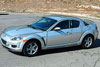
The chrome car made me LMAO. Reminds me of those Dub City all-chrome Escalades at K-Mart.
It's been prompting me to keep mine clean all the time, too. We need to go take more pictures, since we both have our fogs, and I now (finally) have my clear corners. It's rained every single day since he took those pictures, so no go.
The chrome car made me LMAO. Reminds me of those Dub City all-chrome Escalades at K-Mart.
Thread Starter
Registered User
Joined: Feb 2007
Posts: 18
Likes: 0
Wow looks great!
A little tip for photographing black (or very dark colored) cars: when something black fills the frame—like in your first two shots—don't use the exposure that the camera sets; it'll "wash out" the blacks so that they come out dark grey in the photo.
Instead, adjust your exposure so that it underexposes a couple of stops. (Even auto-everything cameras let you change the exposure. It's where you see a "scale" that looks something like this:
+ • • • o • • • —
To underexpose the picture, manually adjust the exposure so that it's towards the negative end of the scale.
(The reason for this is that cameras assume the picture you're taking contains light and dark things that average out to 'grey'. Which works for most pictures (like your wide shots). But when the subject is all black (or all white), you have to override exposure or else the camera will make the subject appear greyish.)
White cars are the opposite. To get them to come out white instead of grey, you would overexpose.
Just my 2¢.
A little tip for photographing black (or very dark colored) cars: when something black fills the frame—like in your first two shots—don't use the exposure that the camera sets; it'll "wash out" the blacks so that they come out dark grey in the photo.
Instead, adjust your exposure so that it underexposes a couple of stops. (Even auto-everything cameras let you change the exposure. It's where you see a "scale" that looks something like this:
+ • • • o • • • —
To underexpose the picture, manually adjust the exposure so that it's towards the negative end of the scale.
(The reason for this is that cameras assume the picture you're taking contains light and dark things that average out to 'grey'. Which works for most pictures (like your wide shots). But when the subject is all black (or all white), you have to override exposure or else the camera will make the subject appear greyish.)
White cars are the opposite. To get them to come out white instead of grey, you would overexpose.
Just my 2¢.
Very good suggestion, thank you! I tried to underexpose the photos some tonight.
Last edited by Brilliant_06; Jul 15, 2007 at 10:11 AM.