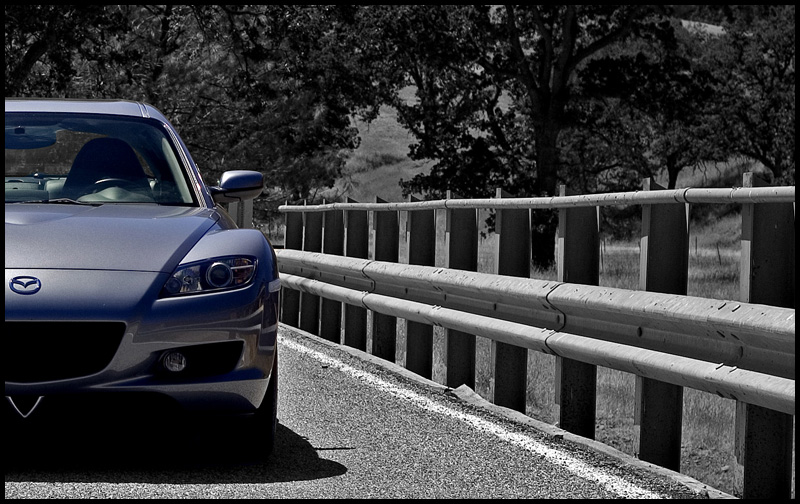
From 0 to 2024ft



Attracts tree branches
Joined: Jun 2004
Posts: 5,940
Likes: 3
Originally Posted by mikeb
what nav upgrade do you have
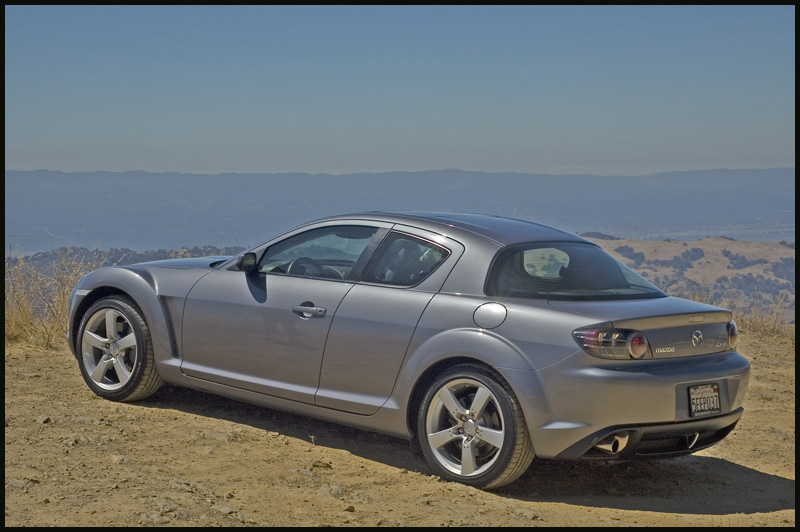
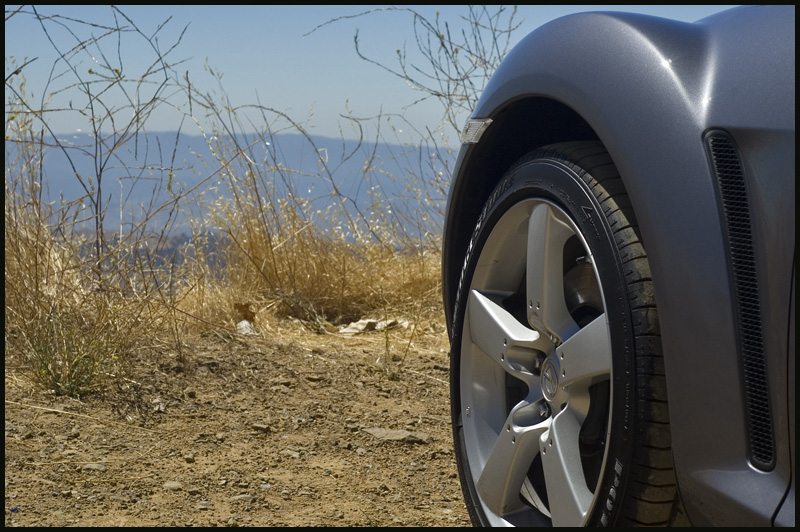
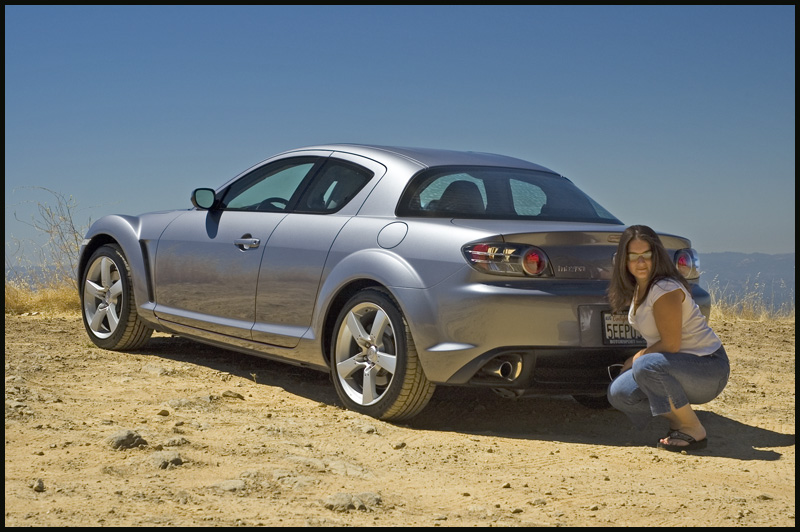
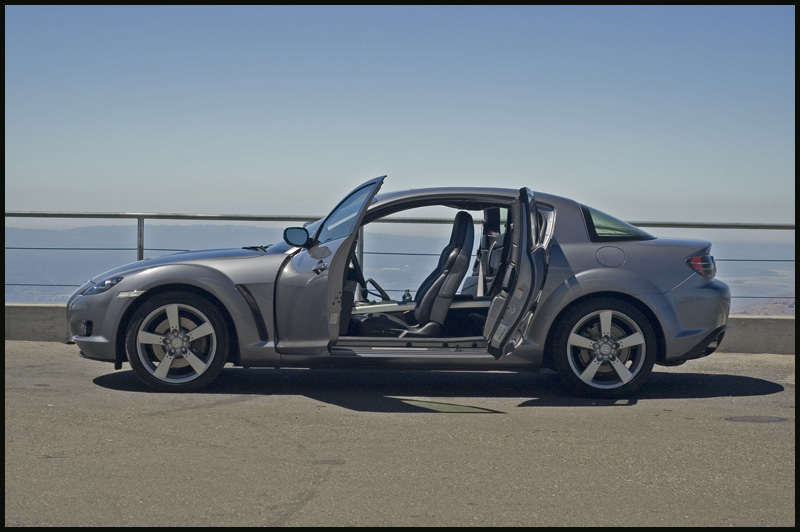
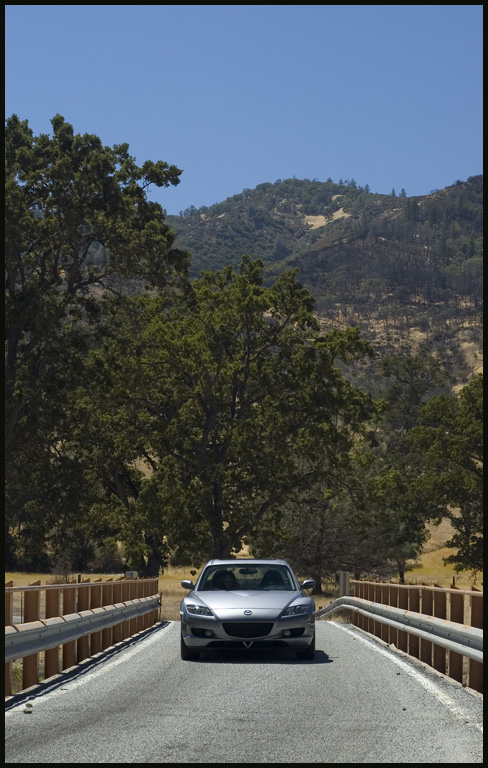
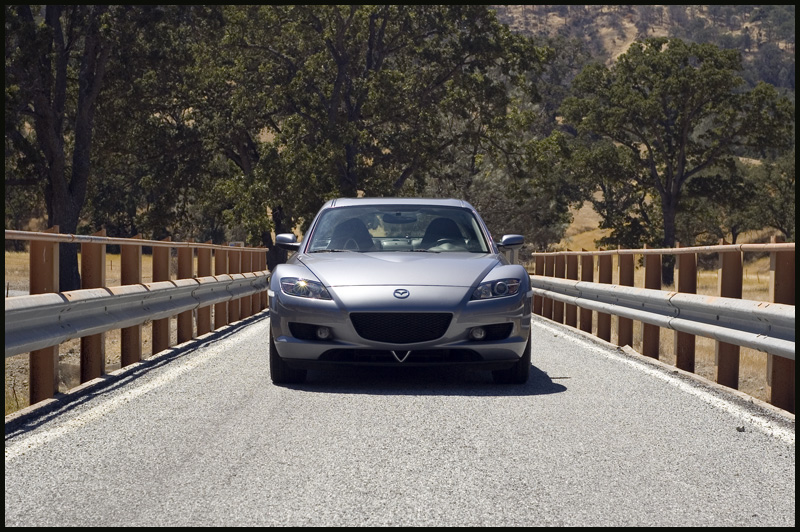
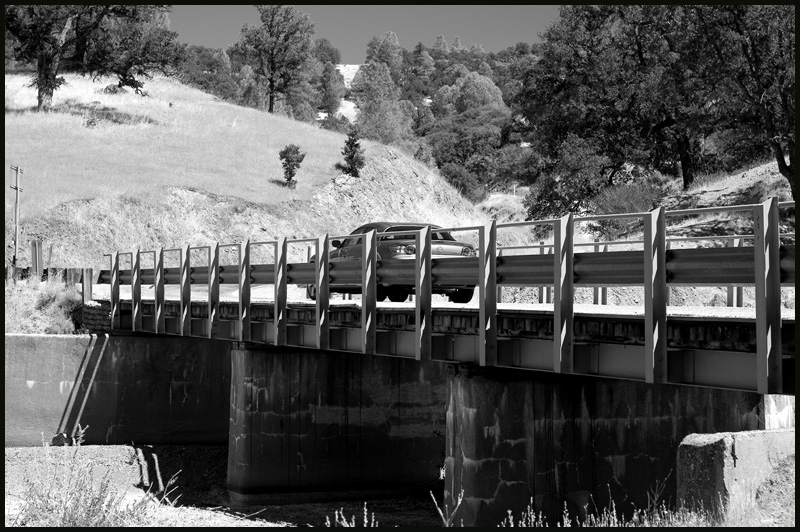
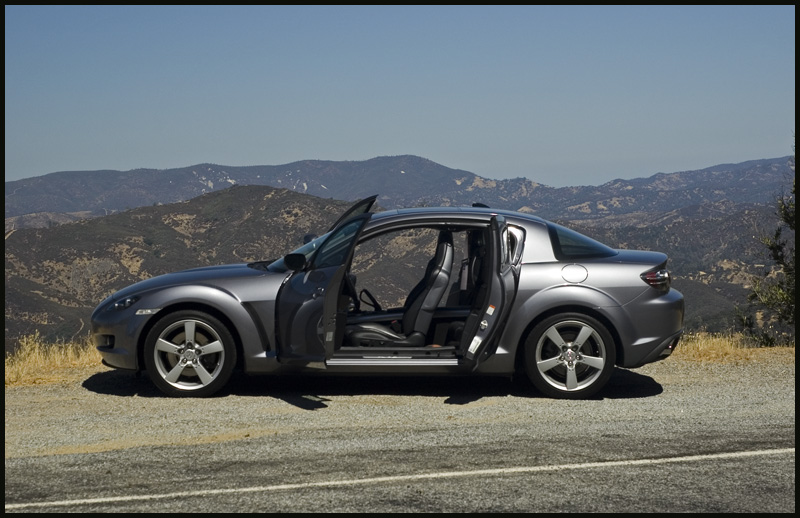
great pics
great pics
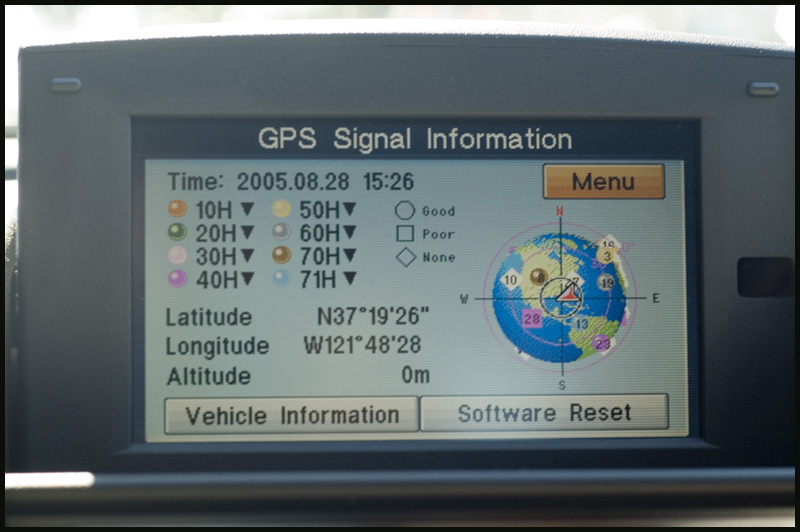
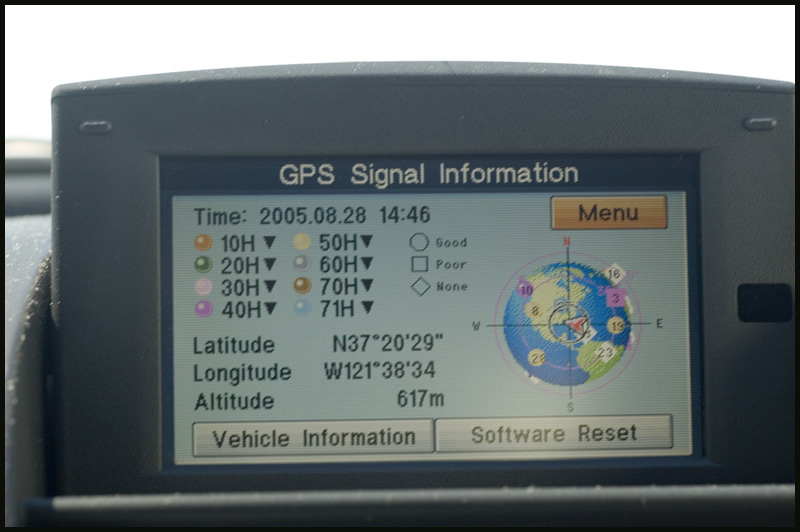
that is the super secret menu :p
up up down down left right left right B A Select Start
:D
seriously though that is part of the diagnostic menu
Thread Starter
n00b
Joined: Jun 2005
Posts: 1,487
Likes: 1
From: Bay Area, CA
Originally Posted by NVMYGT
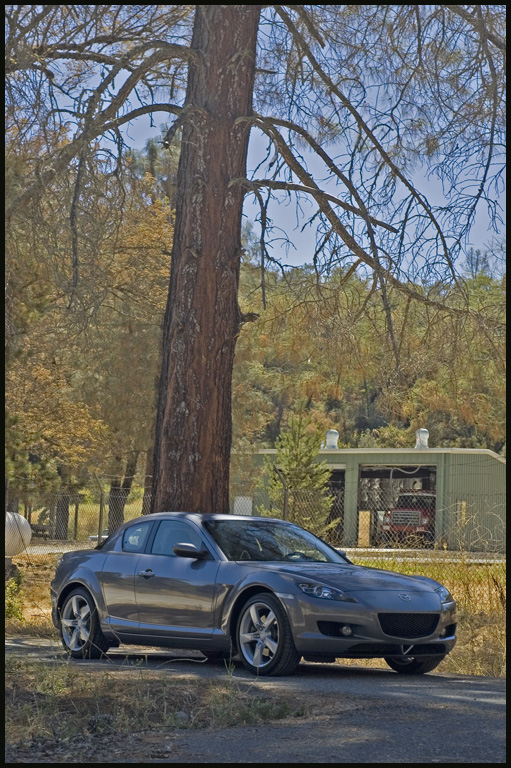
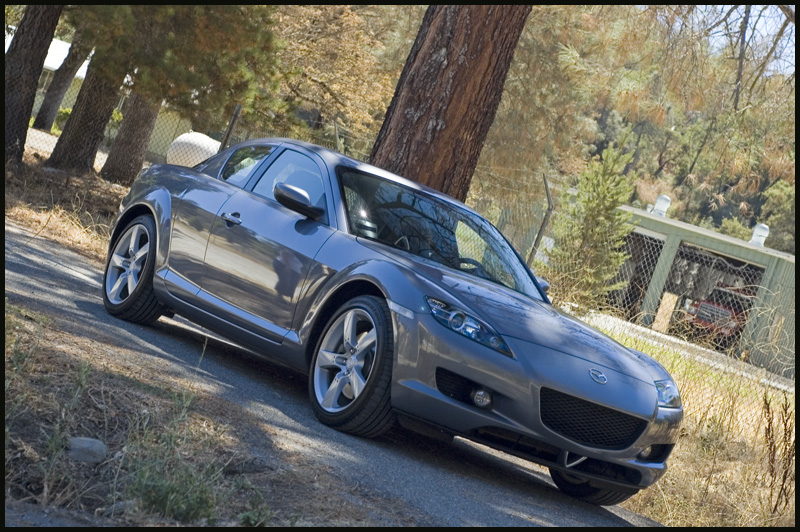
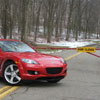
Beautiful pictures! What kind of camera?
I'm sure it's posted somewhere, but how do you get to that menu?
I'm sure it's posted somewhere, but how do you get to that menu?
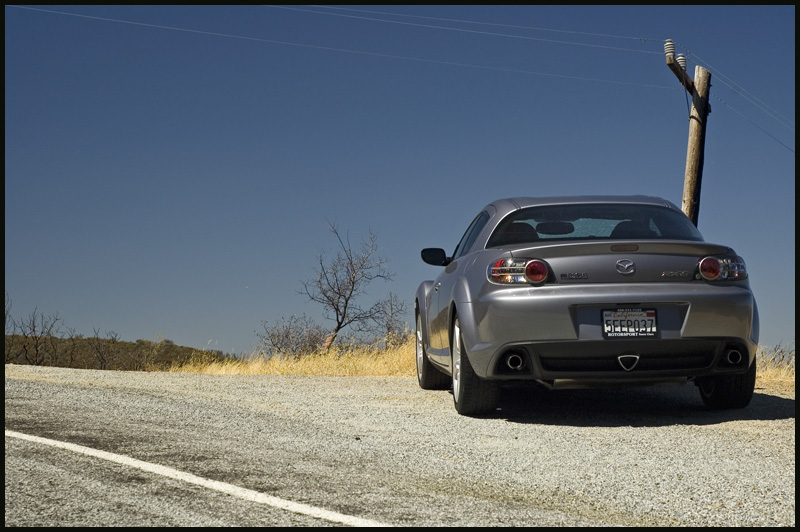
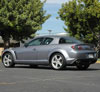
Thanks for the compliment, i used a nikon d70 with a 50mm 1.8 lens for the pics.
Attracts tree branches
Joined: Jun 2004
Posts: 5,940
Likes: 3
Okay - a little more detail on how it works...btw it shows lots of things...you can even do a wiring check  ...do NOT delete the software though :
After you get past the annoying WARNING message click the MENU button on your center console. You will get the choice of "Select Destination" or "Setup Menu".
Choose "Setup Menu"
Then click "Version"
Then choose "System Informat
It will then tell you the version of your GPS software. But here's where you go in the "backdoor".
At this screen, position your center console joystick this way: UP UP DOWN DOWN.
If you've done it correctly, it will go to the "backdoor" you want. (Keep trying if you don't... the joystick has to be pushed up and down pretty briskly but not aggressively. You get the idea.)
By the way, you can get other backdoors if you go:
UP UP UP DOWN DOWN DOWN UP UP DOWN DOWN, or
UP UP UP DOWN DOWN DOWN UP DOWN
...do NOT delete the software though :After you get past the annoying WARNING message click the MENU button on your center console. You will get the choice of "Select Destination" or "Setup Menu".
Choose "Setup Menu"
Then click "Version"
Then choose "System Informat
It will then tell you the version of your GPS software. But here's where you go in the "backdoor".
At this screen, position your center console joystick this way: UP UP DOWN DOWN.
If you've done it correctly, it will go to the "backdoor" you want. (Keep trying if you don't... the joystick has to be pushed up and down pretty briskly but not aggressively. You get the idea.)
By the way, you can get other backdoors if you go:
UP UP UP DOWN DOWN DOWN UP UP DOWN DOWN, or
UP UP UP DOWN DOWN DOWN UP DOWN


Thread Starter
n00b
Joined: Jun 2005
Posts: 1,487
Likes: 1
From: Bay Area, CA
Originally Posted by downshift
I like how the Ti Gray looks on the 2nd and 3rd pics. You chose some of the best angles of the car too. What kind of wax do you use on your Ti Gray?


NoahZoom Cop'n'Training
Joined: Mar 2005
Posts: 534
Likes: 0
From: Orange County, California
Originally Posted by truemagellen
Okay - a little more detail on how it works...btw it shows lots of things...you can even do a wiring check ...do NOT delete the software though :
After you get past the annoying WARNING message click the MENU button on your center console. You will get the choice of "Select Destination" or "Setup Menu".
Choose "Setup Menu"
Then click "Version"
Then choose "System Informat
It will then tell you the version of your GPS software. But here's where you go in the "backdoor".
At this screen, position your center console joystick this way: UP UP DOWN DOWN.
If you've done it correctly, it will go to the "backdoor" you want. (Keep trying if you don't... the joystick has to be pushed up and down pretty briskly but not aggressively. You get the idea.)
By the way, you can get other backdoors if you go:
UP UP UP DOWN DOWN DOWN UP UP DOWN DOWN, or
UP UP UP DOWN DOWN DOWN UP DOWN
...do NOT delete the software though :After you get past the annoying WARNING message click the MENU button on your center console. You will get the choice of "Select Destination" or "Setup Menu".
Choose "Setup Menu"
Then click "Version"
Then choose "System Informat
It will then tell you the version of your GPS software. But here's where you go in the "backdoor".
At this screen, position your center console joystick this way: UP UP DOWN DOWN.
If you've done it correctly, it will go to the "backdoor" you want. (Keep trying if you don't... the joystick has to be pushed up and down pretty briskly but not aggressively. You get the idea.)
By the way, you can get other backdoors if you go:
UP UP UP DOWN DOWN DOWN UP UP DOWN DOWN, or
UP UP UP DOWN DOWN DOWN UP DOWN